
03. Force Dark Mode
By default Peertube adapts its dark or light look to the default of the device it is accessing. If however you want to force dark mode regardless of which device is accessing it then you can do so in Settings
Go to Settings > Customization > Select Dark (Brown)
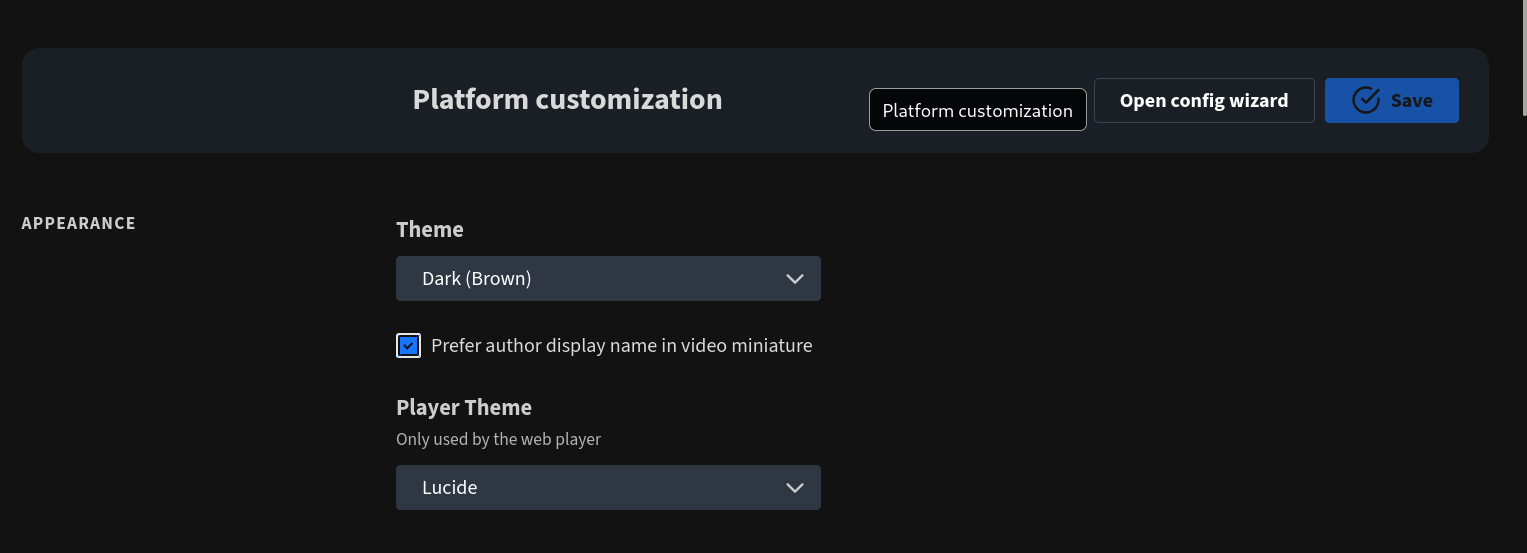
Then simply hit save! From now on all devices will access your website in Dark Mode ;)
No comments to display
No comments to display