
02. First time Login
After you have spun up your Peertube instance then it is time to obtain your first time login credentials. Well to get these you need to check your logs, since they will be presented in there
1. Assuming you are still logged in with SSH to your PeerTube VM you move your ass to
cd /opt/docker/projects/peertube/data/logs2. Then you simply use nano to enter the logs with
nano peertube.log3. Then at the top of the logs it should provide you your root credentials. A screenshot of how this looks like is given below

4. Then before logging in we recommend to create a new Vaultwarden entry that stores the Root Password in case you need it.
5. Then simply copy the password and move to your PeerTube domain address
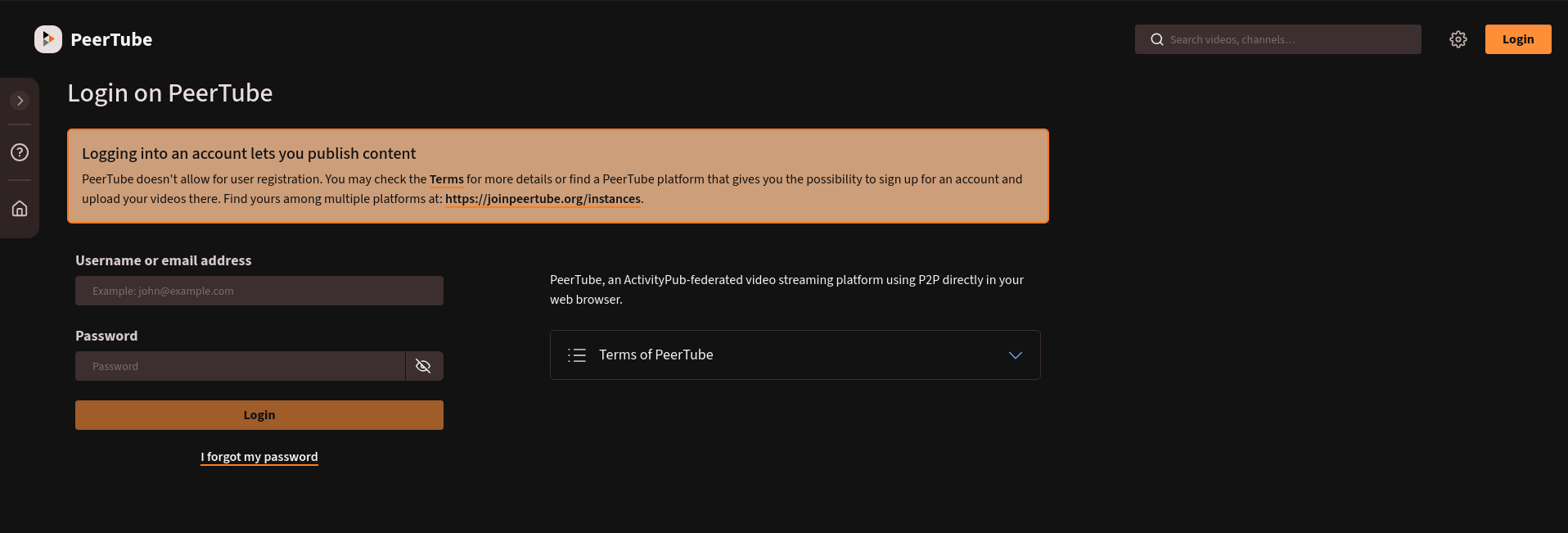
6. Fill in the credentials
7. Then the first thing we will do is create another administrator account. It is not recommended to post videos with a root account and such we will do nothing with the root account in the future. The only reason you might need it is for maintenance purposes. To create another administrator account go the Menu on the left > Overview > Create user
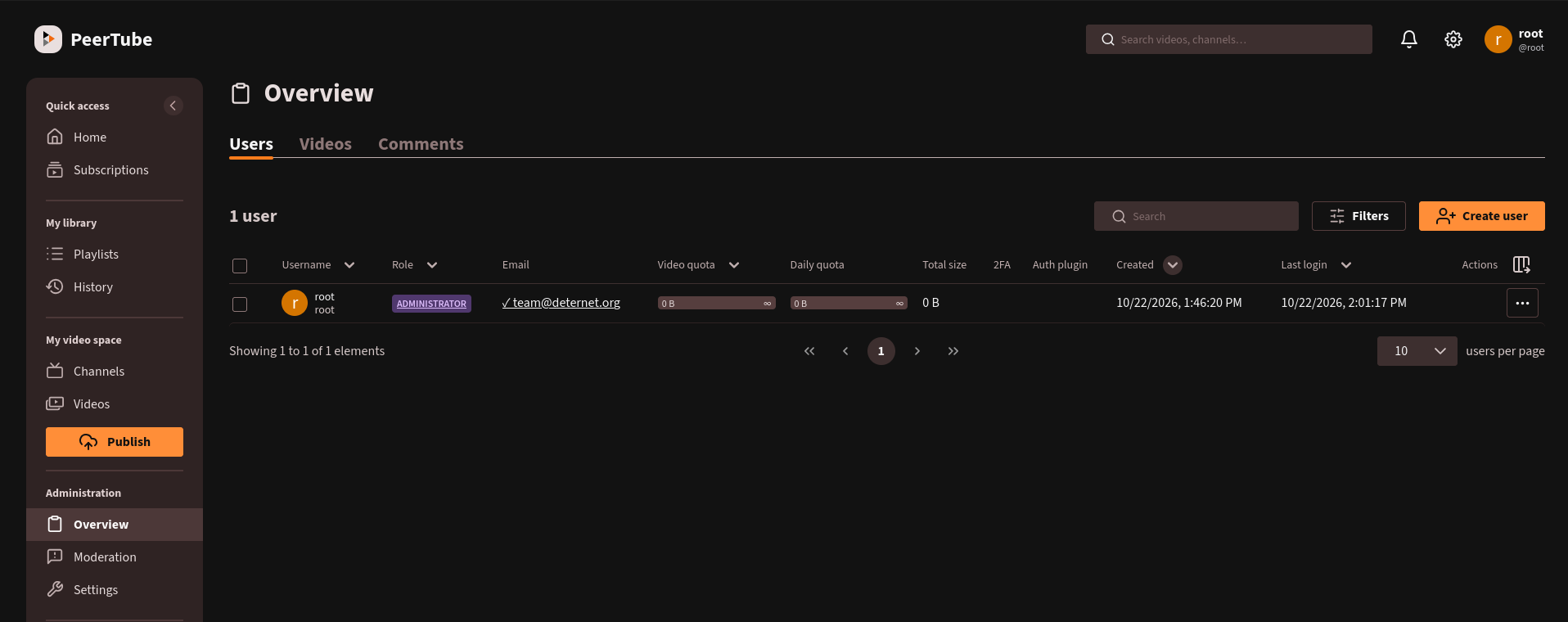
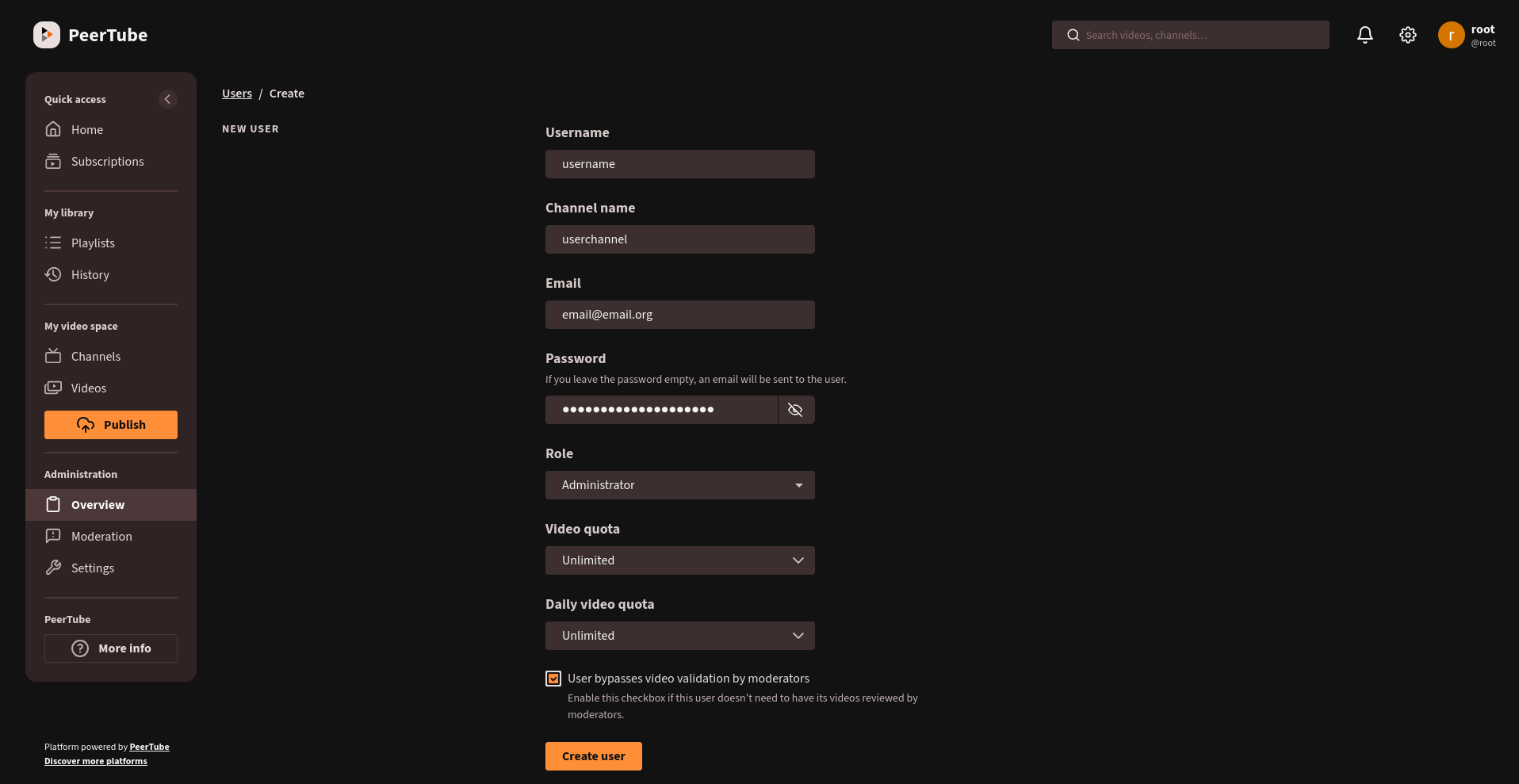
8. So click on Create new user and fill in the credentials! Make sure to select Role: Administrator and also check the box of User Bypasses video validation by moderators
9. After the user has been created you should log out from the root account and login with your new administrator credentials
10. Sweet! You are logged in perfect!
No comments to display
No comments to display