
💬 Captions
PeerTube also allows captions to be generated for your videos. It is even that awesome that it detects the spoken language and then tries to put captions underneath it. To allow captions on your videos go to Settings > General > Scroll down to Enable Transcription and enable it
- Enable Transcription (Automatically create subtitles for uploaded/imported Videos)
Now, as stated the captions are not always correct and hence it is important to check them. The great thing however, is that even though the translation might be wrong it does catch the moment when you talk. This make it really simple and adjust a section to the correct translation
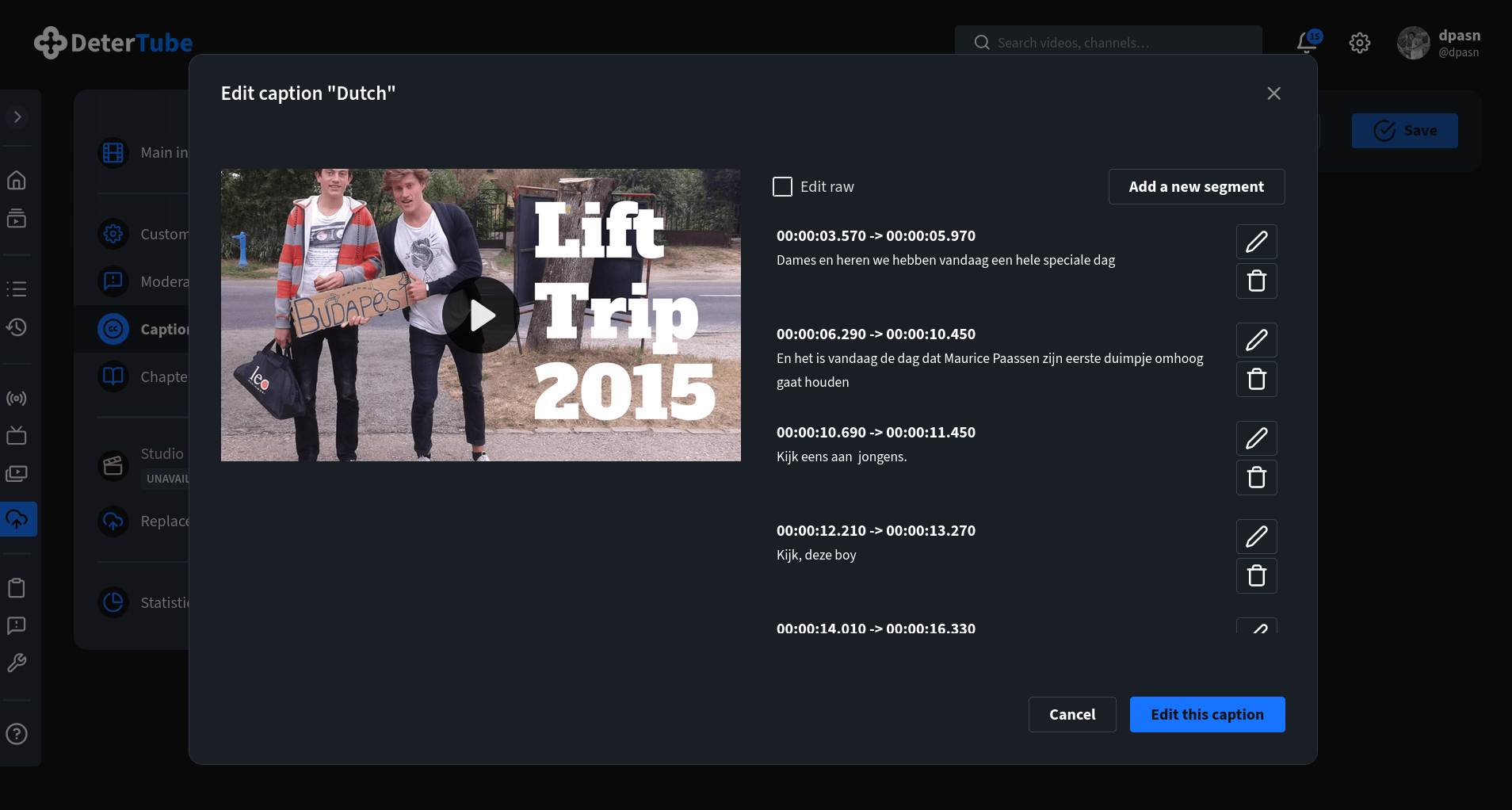
Happy Caption Editing!!!!